"not understanding how folders could exist inside of other folders" -- My mom is 70 years old now, and I easily get frustrated whenever she's stuck with seemingly simple tasks with her computer. I usually scold her and yell at her, "This is so obvious, how come you don't know?" -- I always regret doing that afterwards.
After I'm calm, I ask her why, trying to understand it from her perspective. Every time I do this, I'm always surprised, because she gives valid points, and I end up cursing the developer :D
So, whenever I design UI/UX for an app, I ask my mom to test.
Rant: In my opinion, there should be an option in Mac/Windows to disable file drag and drop. Every time I check her computer, I always find dislocated files simply because she accidentally drag them.
>So, whenever I design UI/UX for an app, I ask my mom to test.
I have an informal rule that I will try to get someone at my job that has never seen or used the application to be the one to test out new features or UI changes. Generally just asking when they have some time, handing them a phone or laptop, and asking them to do a task in the app (with a small amount of background about the task if needed).
There has never been a case where this hasn't monumentally improved the application. Questions like "what do I do here?", "how do I get it to start?", and "did it work?" were extremely common for quite a while before we managed to get the UI in a good state. You just don't see the implicit assumptions you make at so many places.
Sadly it's hard to "formalize" something like this (at least in my experience), because the benefits seem to be greatly reduced if the person testing has seen or used the application before, and I found it works best the "further away" someone is from software development.
This isn't the only thing we do for UI/UX stuff, it's just one that I've found can really help, and most developers should be able to do it in some fashion.
We have plenty of analytics and user testing, but they tend to miss the case of users that are unable or unwilling to learn the application, and end up perpetually confused.
I don't think it has anything to do with "humbleness".
It's that there isn't really a way to formally gather and have people that haven't really ever used the application before, but know enough about the problem domain to be useful in testing. Not to mention that it's a non-renewable resource, once I've done it with someone for a specific part of the app, they are "burned" (at least for a few months). (that last sentence came across really... shitty sounding, but I can't figure out how to reword it to get the point across without sounding like I'm treating people like old computer parts, so I'll just add this disclaimer...)
Any kind of "formal" process ends up just looking like QA, and they end up making the same kinds of assumptions that the developers and designers do since they work and know the application just as good if not better than them.
Once you've learned something, you can no longer remember what it's like to not know it. Not fully, anyway, and certainly not without deliberate effort. It takes quite a lot of mental effort to stop knowing something, and approach a task with the mindset of someone who's never known it.
Good QA people should be able to do that, but it must be hard even for them.
I used to get frustrated explaining what I thought were simple computer tasks to my mother, but as I've gotten slightly older I am getting just as stuck as she was with some basic computer tasks! I totally get it now.
She also reminds me that she used to work at Digital (DEC), on the cutting edge of tech, in the 80's, but left her job to raise me- so I'm the reason she's so far behind, technically!
There's a world of a difference between VAX and today's modern operating systems. Twenty years in the future, I predict user interaction will largely be predicated on artificial intelligence. I can certainly see an older version of myself, frustrated at trying to figure out what sentences will trick the machine into doing what I want it to do rather than simply speaking to it.
OT but related to Drag&Drop, my IntelliJ at work is set up with the "drag files with ALT pressed" setting, mostly due to my "lazy" clicking that ended up trying to move around classes across packages disrupting my flow.
Would love to see that option in any file manager as well.
Also I hate with a passion the "drag selected text" feature
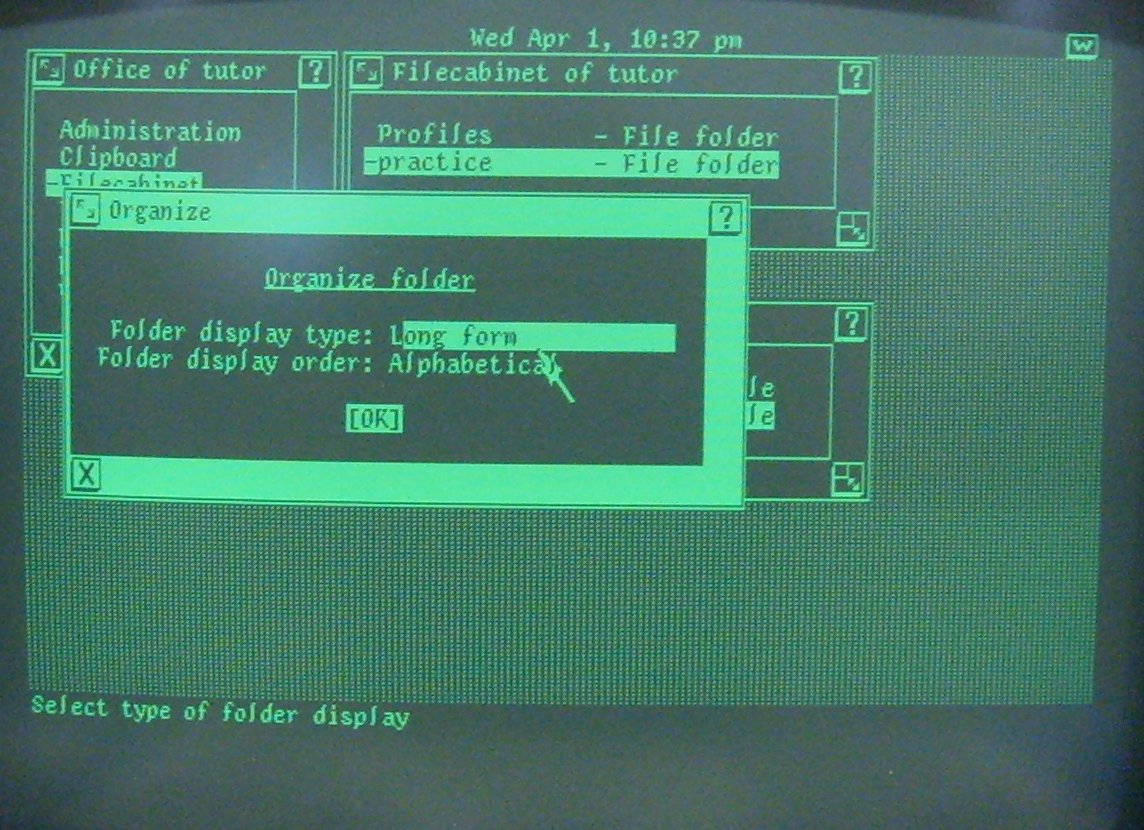
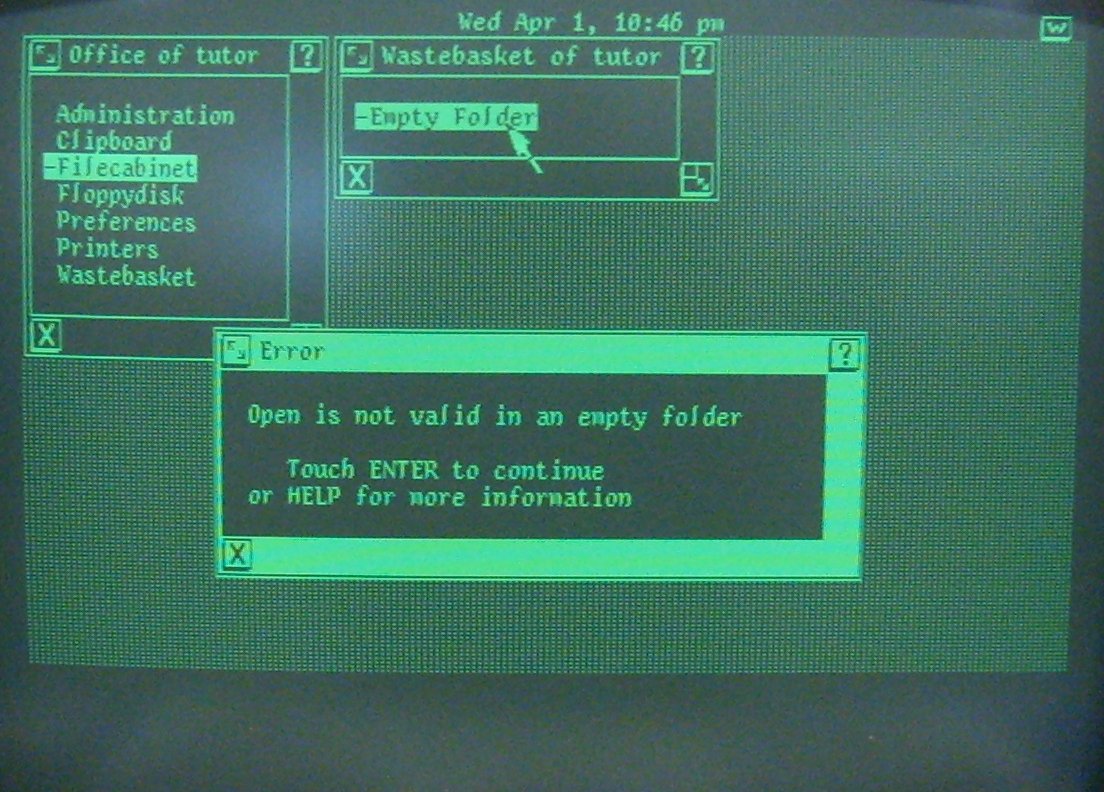
The two metaphors are not as tightly coupled as you suggest. Even pre-computing, a "file" meant a collection of information and a "filing system" was a way of organizing it - that didn't neccesarily involve paper folders. In fact, card files, from which we ultimately derive our computer term, were more usually stored in boxes.
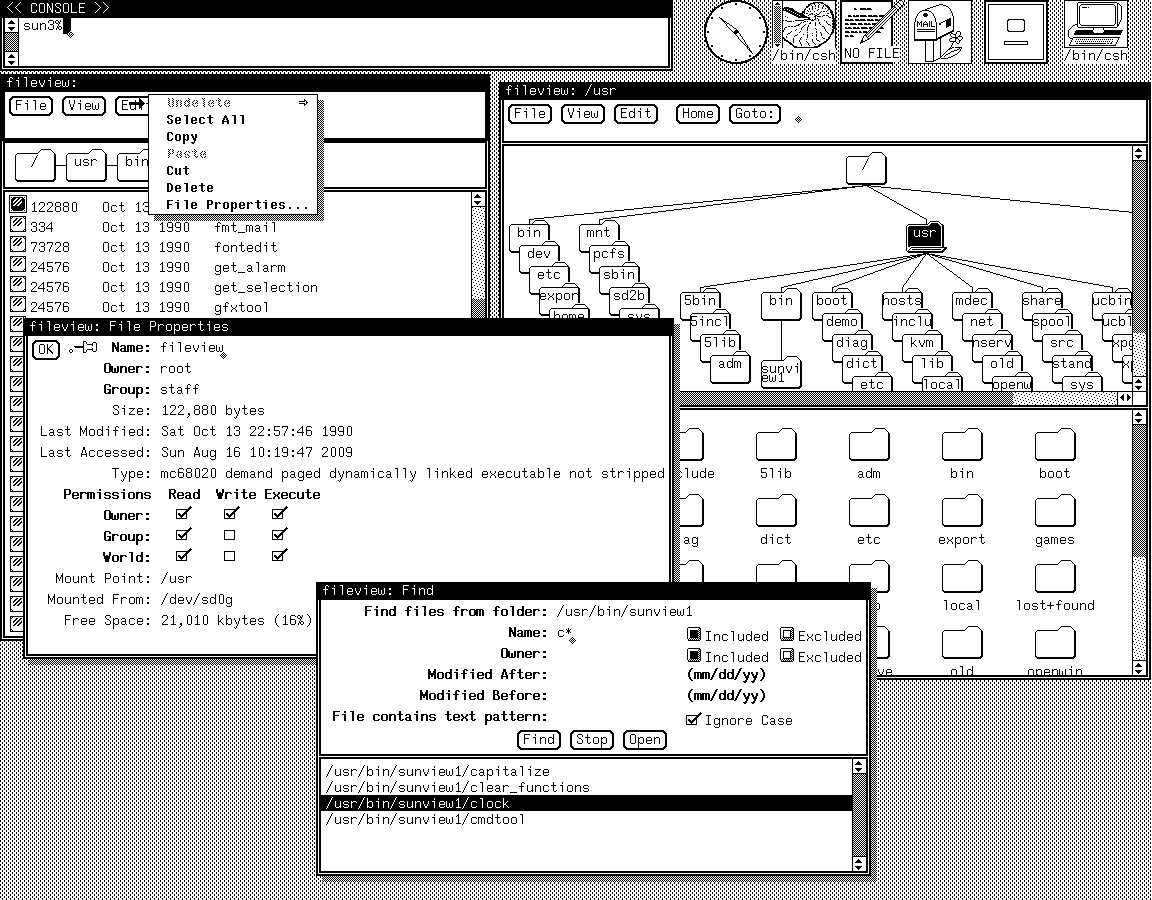
I too prefer the term "directory". Apart from all UNIX tools using this terminology, it also more accurately reflects what it actually is - not a physical container for information, but a list of references to it - an association of names to addresses. A paper file cannot be in more than one folder, but it can easily appear in more than one directory. On a filesystem that allows hard links, this is a more useful conceptualization.
>Apart from all UNIX tools using this terminology, it also more accurately reflects what it actually is - not a physical container for information, but a list of references to it - an association of names to addresses.
Yes, but "directory" doesn't describe the way the UI appears to behave in a way that's more intuitive to the average non-technical end user than "folder." A "directory" could also describe a map or a phone book for most people.
>"directory" doesn't describe the way the UI appears to behave
That rather begs the question though, doesn't it? To a nontechnical user, the ship has sailed - everyone calls them "folders", the icons are ubiquitously pictures of file folders, and it would be terribly confusing to try and change it now. That doesn't mean it was the right choice though. I could imagine a world where the icons were little phone books, and the concept of a hard link didn't require a half-hour explanation.
I don't understand that, the folder was picked for the filing cabinet metaphor.
But in a filing cabinet system you have different cabinets, different drawers, different hanging files and various lower level arrangements - non-hanging folders (or drawer dividers), paper clips, staples.
Perhaps they never saw a filing cabinet? Or never put something in a box, then in another box?
When they put food in a cupboard do they empty it out of the current container first?
<<Your house is a drive, every room is a "folder", every container in every room is a "folder", every container inside another is a "folder", every object is a "file".>>
I've come across it, just assumed that no-one explained the metaphor to them.
The places where the metaphor gets stretched can be frustrating, especially in Windows. You can put Folders on the Desktop, but there's also a "Computer" icon on the desktop which allows you to browse into other folders.. including the desktop?
Then there's your Personal folders.. which are in fact collections of other folders themselves, but appear transparently to be folders- but somewhere on the file system they are actually different folders. But without the benefit of breadcrumbs to help you keep your place in the structure, where did that file actually go?
Don't get me started on shoehorning OneDrive (or was it OneDrive for Business?) into the mix.. where'd I save that file again?
>You can put Folders on the Desktop, but there's also a "Computer" icon on the desktop which allows you to browse into other folders.. including the desktop?
That's a specific failing of Windows, not something inherent to the folder metaphor, though.
It's one of those absurd things that happen when nobody pays any attention to coherence. That particular thing has driven me BATS for years.
I'm encouraged, though, that my Win10 machine here doesn't seem to continue this foolishness. WinExp used to always show the Desktop as the "root" of everything, but it doesn't now. The quick access pane shows This PC as the root, with quick links below it for Desktop, Documents, etc. It's almost like MSFT is learning.
Well, yes. Windows' implementation of the metaphor is my complaint. In its current form, they may have cleaned up the "desktop" but also made it more confusing to tell what is a special folder/collection/Library. The way it appears now, there's a "Library" called Documents, which includes a folder called Documents but may include others as well. Where am I at a given moment, not sure.
"Folder" makes perfect sense to me. At my first job, we used a paper-based filing system, and we'd sometimes put folders inside of other folders. It's perfectly legit. You wouldn't nest them 5 levels deep, but that's simply a physical limitation: you wouldn't put 100 files in one folder, either.
"Directory" I don't understand at all. The only thing I can think of is the felt letter boards at the entrance to office buildings that say "DR SMITH - OFFICE 555". Not only are those a more obscure metaphor, but I've never seen them nested even one level deep. I don't have any idea how I'm supposed to use that metaphor. "Create directory": am I creating a new building? Is my building going to have two directories in the lobby? How is one 'inside' the other?
I was completely lost on Unix until it was pointed out to me that "directory" was just its weird name for folder.
I agree with the downvotes in so far as it is silly to still get upset about this (instead of silently admitting defeat), but I am 100% guilty of that folly myself.
It's highly relevant to the discussion because it illustrates just how deeply ingrained these basic UI expectations are. UI (re-)designers take note, in some cases even decades of forced retraining won't make everybody accept gratuitous change.
However, in the Windows shell a "folder" is not necessarily a "directory" - it's just something that may contain something. Control Panel, for example.
And indeed I remember that as one of the more confusing things when I've got my first win95 PC as a kid. I used amiga and some DOS before, and I knew what a directory was, but now all of the sudden there's something called a folder that seem sort of similar?! To add to the confusion the computer manuals that were written in my mother tongue used in parallel both word 'folder' and the literal translation of it. Took me a while to understand that it all means the same thing.
I like that folders icons on most GUIs are still that light brown Manila colour, but plain brown folders went out of style with leg warmers and mullets.
OP didn't want to remove the functionality, just provide a way to disable it for users that often perform drag & drop operation randomly.
Especially older people have problems with their motor skills so instead clicking on a file they often perform drag & drop instead (they can't hold the mouse steady enough, so the system recognizes movement and at the same time their "click" is too slow, so OS recognizes it as holding the button down)
Cut & Paste for when you really need to reorganize? But usually it would probably be enough to just list the most recent files somewhere and provide full text search for everything else.
Seeing how my elderly parents use the computer: you don't manage files. At all.
Right click is evil, keyboard shortcuts are evil, drag and drop never occurs to them. Mom usually just reads her emails (and attachements open in the browser nowdays), so it's not a problem, but father saves files.
If he finds something important then he saves it multiple times, so in the file list view there will be multiple similar items, that's how he knows it's important (visually it's very distinctive). When he has to copy a file somewhere else he usually fires up his CAD software, opens the file and then saves it elsewhere.
I just gave up "educating" them (after countless attempts). It's pointless. I remove file duplicates half a year, copy stuff to an usb key when he asks me (I visit them once a month) and avoid the machines like the plague, unless they explicitly ask me to do something (I installed ubuntu for mom, which works wonderfully for her, one less problem to worry about).
There's something different about cut & paste vs drag & drop, though it won't impact most people.
If you're using RDP and copying files from the host computer to the remote computer, it's natural to cut/copy the file on the host and paste it on the remote. Drag/Drop isn't as natural because you have to mess around with the RDP window size and scroll position to be able to see Explorer on both machines.
The file copy occurs very slowly, and requires a lot of memory. Copy/Paste uses the clipboard, so the entire file gets read into memory before it can be written to the remote filesystem. It goes slowly because there is apparently an un-optimized loop copying bytes.
Instead, on the remote system you should open two Explorer windows, one for the destination and one for your local filesystem, which RDP adds for you. Then you can drag & drop the file you want to copy. This skips the clipboard and also seems to use a much better optimized byte-copying loop. The speed difference is very noticeable.
Pro-tip: if you're copying lots of files, zip them first and copy the zipped file. That can reduce a multi-hour copy operation into a couple of minutes, even if the compression ratio is awful. Windows is really, really bad at multi-file copy operations.
Yup, I ran into this issue enough as a kid that I stopped using cut/paste/undo in explorer. If I needed to copy or move files around, I’d use the command line—which also had the effect of making files copy much faster (seconds instead of minutes) for some reason.
> How do you manage files in windows at all without drag and drop? Do you just never reorganize anything?
Ctrl-X, Ctrl-V.
Are you a Mac user? Apple disabled Cut in Finder ages ago, basically for aesthetic reasons. It's a constant irritation with my Mac that I have to manually change the folder view just to move a file up one level; on Windows you can do it in less than a second with Ctrl-X, Backspace, Ctrl-V.
It's a UI design decision to avoid Cut in the filesystem. Cut would behave differently from Cut in every other app -- namely, the file is not deleted immediately after Cut. It seems better to avoid calling this "Cut" than to have it behave inconsistently from other apps.
> How do you manage files in windows at all without drag and drop?
Most people I've seen use Ctrl-X/Ctrl-V, or right-click-Cut/right-click-Paste. It has the advantage that you don't need both the source and destination visible at the same time.
You can actually drag a file from one window to the other without having both showing (such as between two maximized windows). While dragging a file, you can still manipulate windows around using the keyboard, like with alt-tab.
For example, you can begin dragging a file, then alt-tab to another window or tab or even open a new program or whatever using the keyboard, and then finally release the file into the destination window.
It's not obvious that this would work, but it is convenient if you find yourself wanting to drag something with the mouse for some reason.


After I'm calm, I ask her why, trying to understand it from her perspective. Every time I do this, I'm always surprised, because she gives valid points, and I end up cursing the developer :D
So, whenever I design UI/UX for an app, I ask my mom to test.
Rant: In my opinion, there should be an option in Mac/Windows to disable file drag and drop. Every time I check her computer, I always find dislocated files simply because she accidentally drag them.