So first of all, you don't install it; you just boot it. And because Lightwhale doesn't write anything to disk unless you explicitly tell it to, (https://lightwhale.asklandd.dk/#persistence-enable), then you're safe to boot it any time and check it out. You can use a VM to be sure: https://lightwhale.asklandd.dk/#faq-virtualiuzed
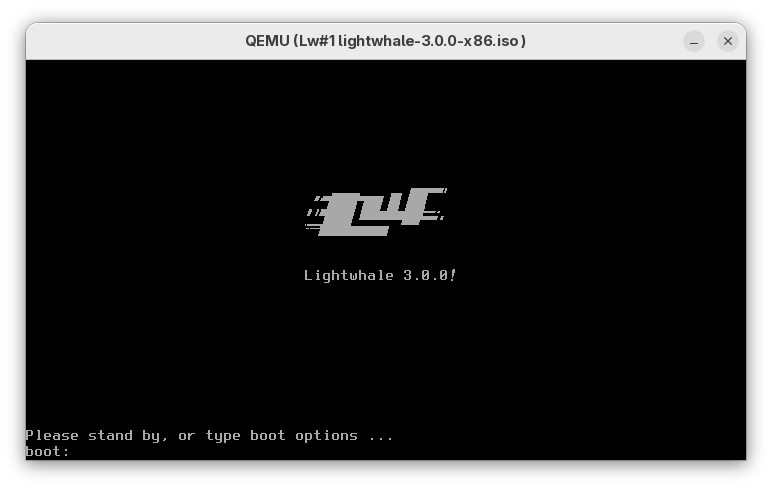
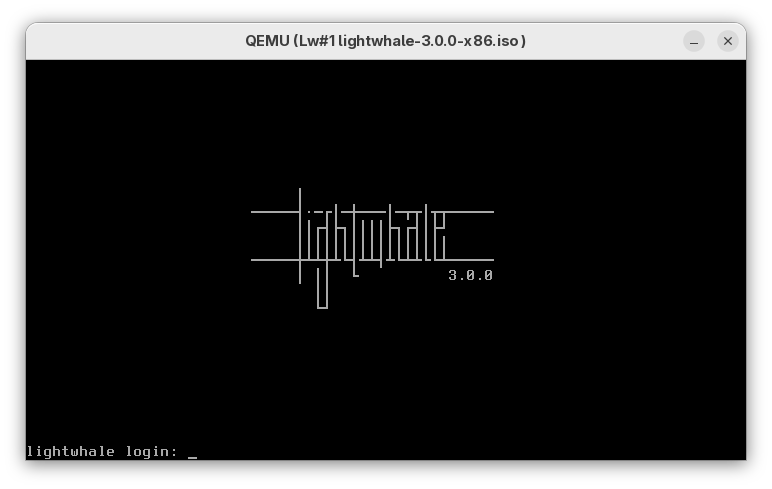
Secondly, I dont feel there's much to see, really. It's just classic Linux text mode, although I do find the GRUB splash and getty login screens quite cool. Instead, I focused on explaining what it does and how it makes your life better.
But since you asked for screenshots, here you go:
https://lightwhale.asklandd.dk/screenshots/boot.png https://lightwhale.asklandd.dk/screenshots/login.png
Enjoy!